Screen recordings,
perfected.
AI does the editing — cinematic auto-zoom, motion blur, and captions. Camera, mic, system audio, 4K export. No timeline required.
Loved by creators,
developers & SaaS teams
The magic
Three things happen
the moment you stop recording.
No keyframes. No timeline. AutoZoom finishes the cut for you.
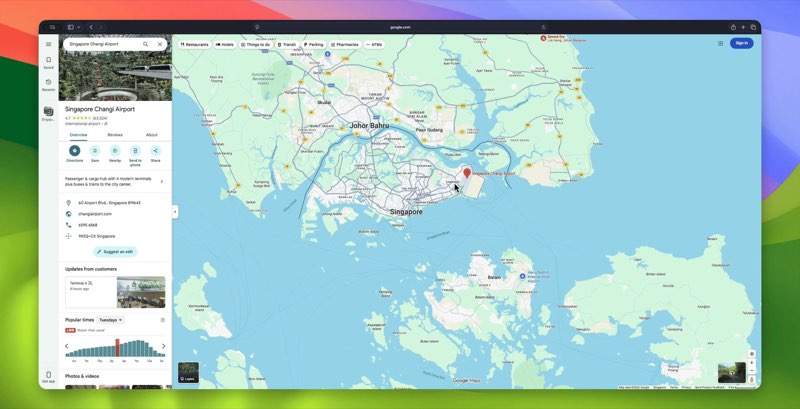
Shot 01 · Auto-Zoom
Auto-Zoom
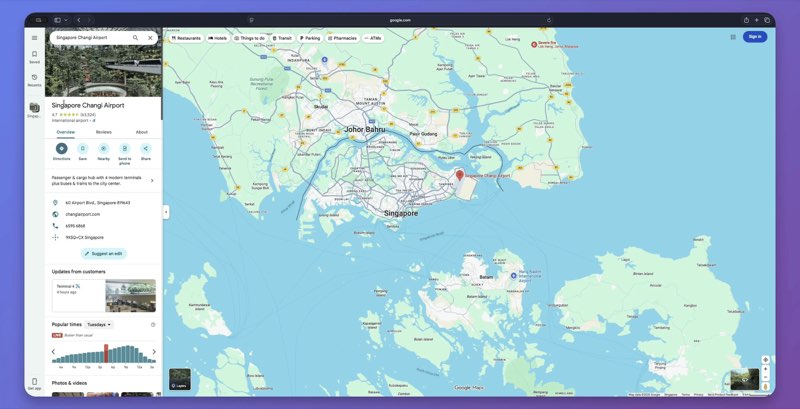
AI tracks your cursor and glides into the action with cinematic easing. No keyframes, no timeline — it just knows where to look.
Smooth spring motion · follows clicks and typing
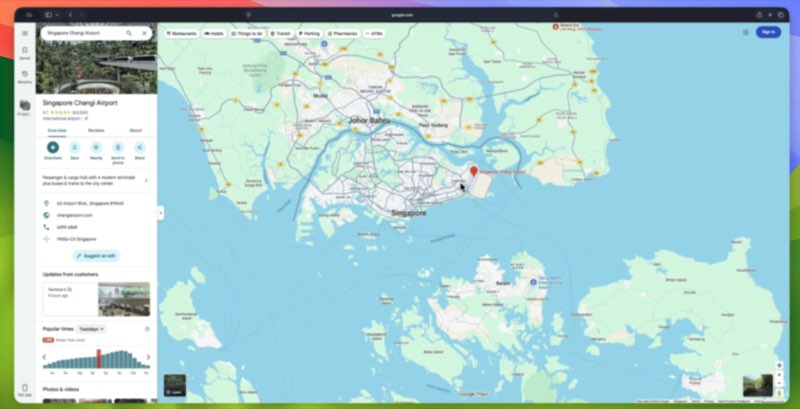
Shot 02 · Motion Blur
Motion Blur
Every pan and transition gets natural, frame-accurate blur. Raw captures suddenly feel like they were shot, not screen-grabbed.
Speed-aware · applied automatically
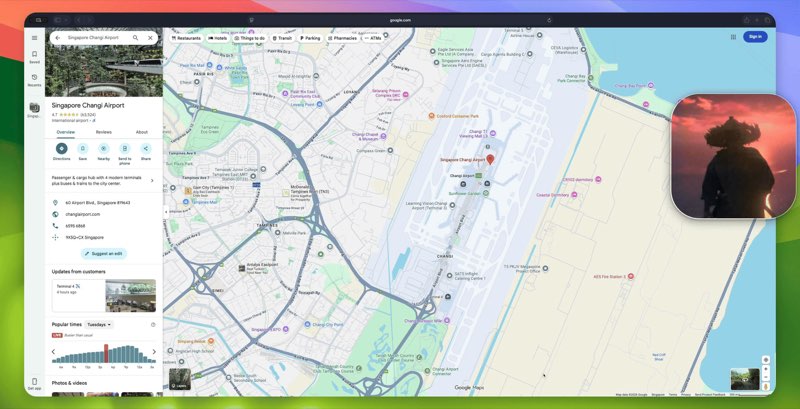
Shot 03 · AI Captions
AI Captions
Accurate subtitles appear as you speak — styled, timed, and ready to publish. No transcription apps, no manual sync.
Auto-transcribed · ready to publish
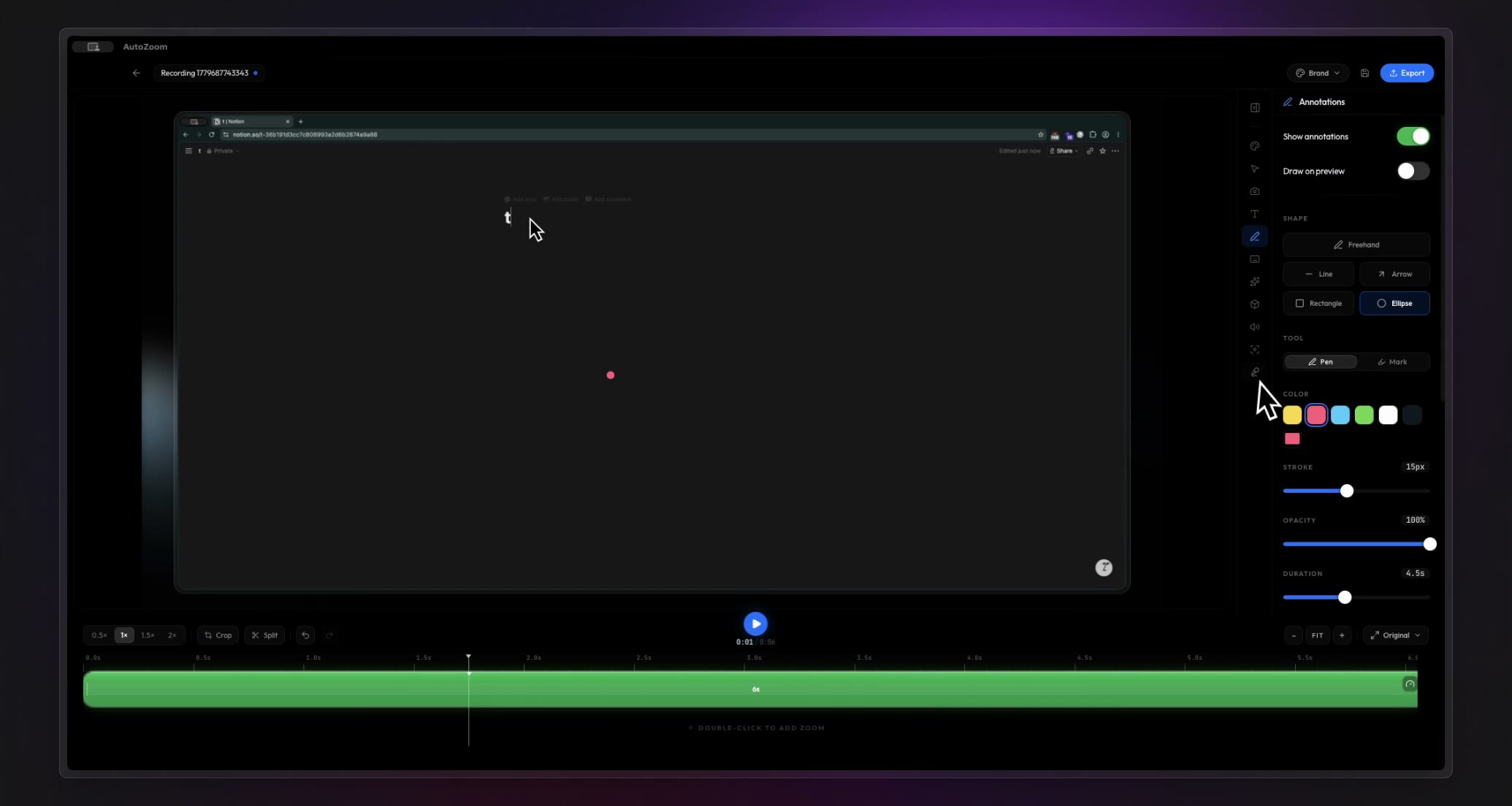
A whole studio
Your whole edit suite,
in one window.
Voiceover, webcam, backgrounds, captions, effects, and pro export — all built in, no plugins or extra editors.
Flagship
AI Voiceover
NewGenerate narration in your own words with System, ElevenLabs, OpenAI, or Cartesia voices — dropped right onto the timeline, perfectly timed.
3D Effects
Add perspective, tilt, and reflections that make flat screens pop off the page.
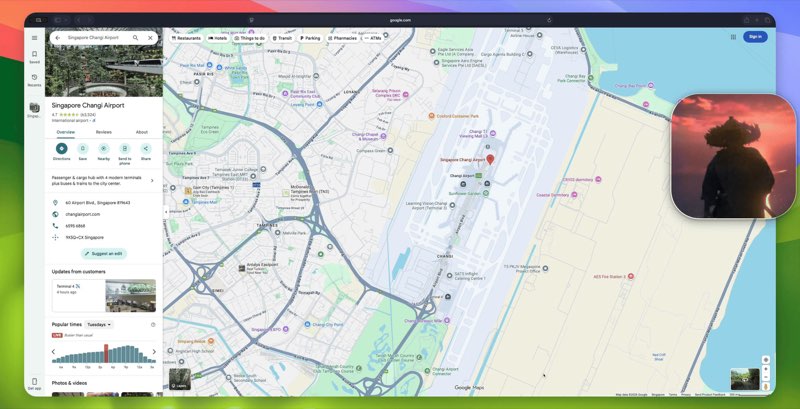
Webcam Overlay
Drop in a camera bubble — any shape, position, or size, with keyframed movement.
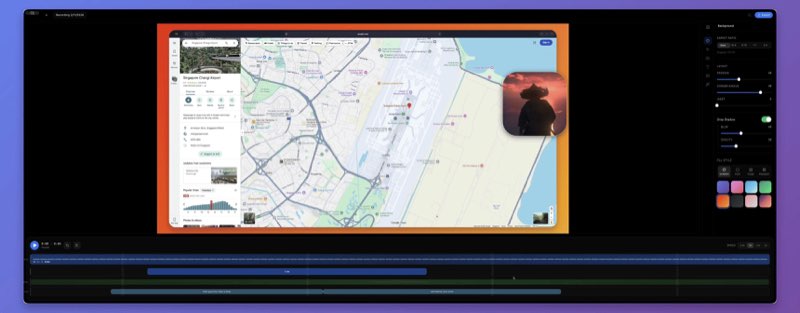
Beautiful Backgrounds
25+ cinematic gradients, animated wallpapers, padding, shadow and rounded corners.
Keystroke Display
Show shortcuts on screen in six styles — perfect for tutorials and walkthroughs.
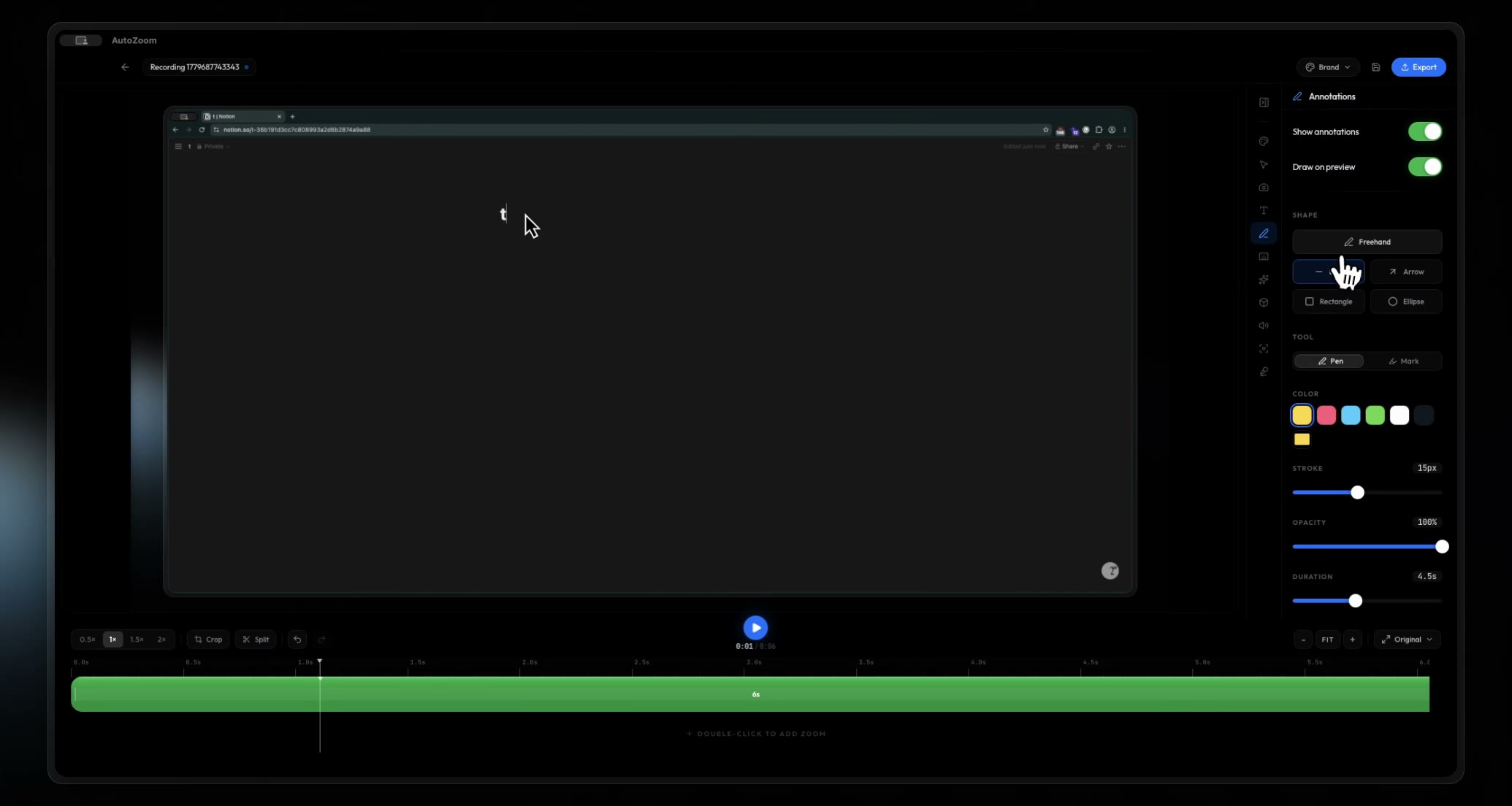
Annotations
NewDraw, highlight, and point with pens, arrows, and shapes that animate on cue.
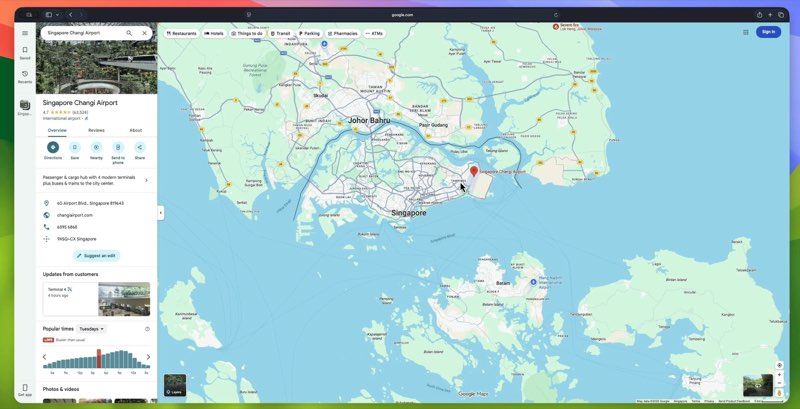
Click Visuals
Ripple, glow, and cursor smoothing so viewers never lose track of the action.
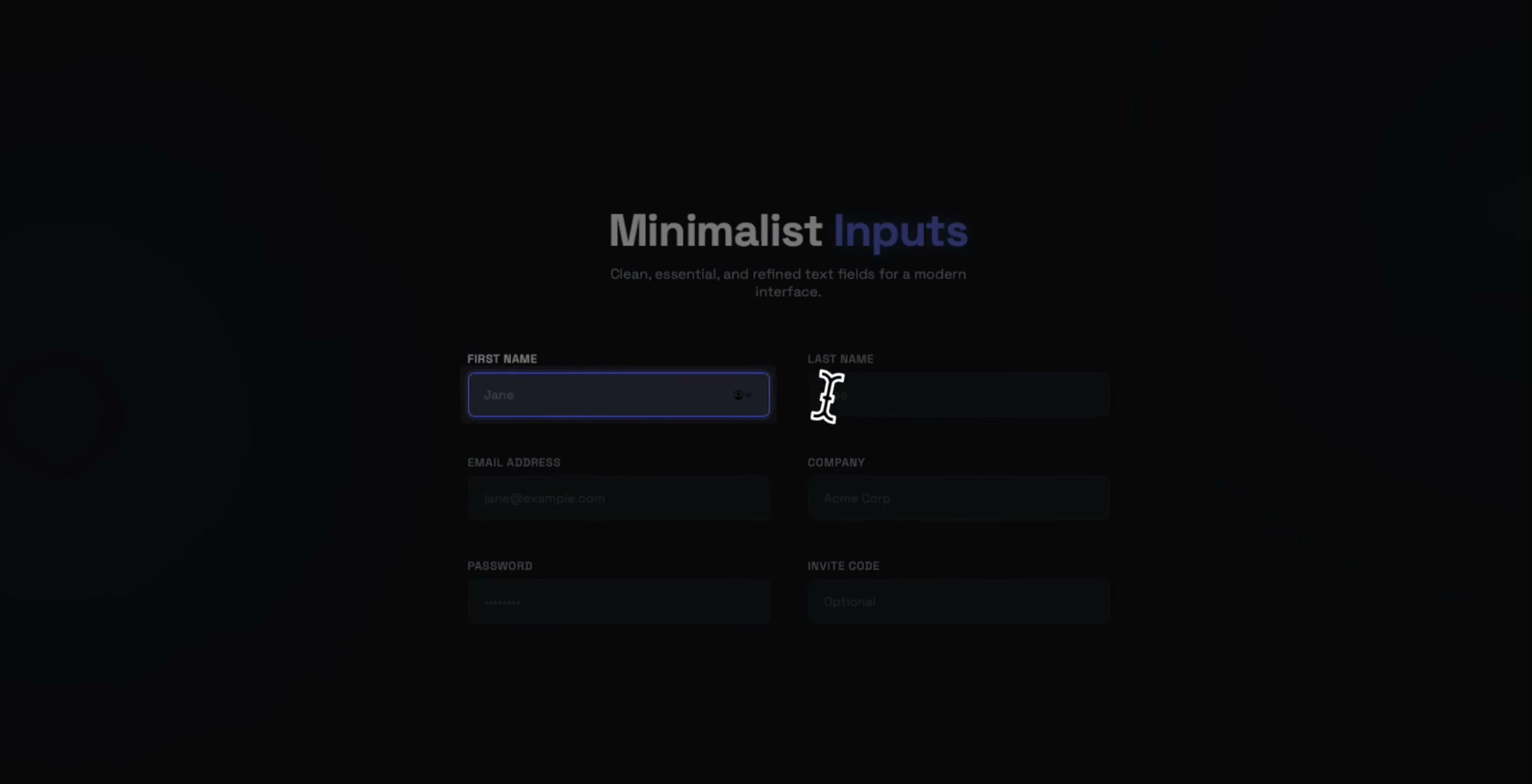
Text Focus
macOSAuto-detects text fields and spotlights them — ideal for forms and code.
And so much more
Don't take our word for it
Creators, developers, and educators who switched to AutoZoom — in their own words.
"I love how the camera smoothly react to the cursor movement with some cool spring effect. It is actually a good product."
March 8, 2026"Very nice, the zoom effect looks different to the other ones I have seen. I tried to implement something like that on something I built but it does not look as cool as yours."
March 8, 2026"Stunning"
March 8, 2026"It looks quite good. Amazing work man!"
March 8, 2026Pricing
One plan.
Every feature.
Pick monthly, or pay once and own it forever. No tiers, no add-ons, no surprises.
Premium
Pay once, use forever. All features, all future updates, no watermarks.
- AI Auto-Zoom on every recording
- Cinematic motion blur & 3D effects
- AI-powered captions
- Click visuals & smooth cursor
- Keystroke visualizer
- Unlimited 4K+ video exports
- Use on up to 3 devices at once
- All future updates included
- Priority email support
Got questions?
Everything you need to know before you hit record. Still stuck? Reach out at [email protected]
AutoZoom is a modern screen recorder that uses AI to automatically add cinematic auto-zoom, motion blur, click visuals, AI captions, keystroke visualization, and 3D effects to your screen recordings. It turns ordinary recordings into professional demos with zero editing skills required. Available for Windows and macOS.
AutoZoom offers two plans: $7.99/month or a one-time $69 lifetime license. Both plans include every feature — AI auto-zoom, motion blur, captions, click visuals, keystroke display, 3D effects, and unlimited exports. The lifetime license includes all future updates at no additional cost.
AutoZoom is available for Windows (10 and 11) and macOS (10.15 Catalina and newer). Linux support is coming soon. All platforms receive the same features and updates simultaneously.
AutoZoom supports exporting to MP4 (H.264) and GIF formats. You can export in resolutions up to 4K (3840x2160) at frame rates up to 60fps, with adjustable quality settings. Custom aspect ratios are also supported for YouTube, Instagram, Twitter/X, and other platforms.
AutoZoom is actively developed with new capabilities added regularly. All plans include access to every future update at no additional cost — new AI features, effects, performance improvements, and bug fixes. Lifetime license holders receive all updates forever.
Absolutely. Every AutoZoom license includes a full commercial license. You can use AutoZoom to create content for clients, online courses, SaaS product demos, marketing materials, YouTube videos, social media content, and any other commercial purposes with no restrictions.
Yes! We welcome all feedback. You can reach us at [email protected] or through our contact page. We typically reply within a few hours and actively incorporate user feedback into our development roadmap.
We offer email support for all users. Premium users get priority support with faster response times. We typically reply within a few hours during business days. You can reach us at [email protected].