Screen Recordings That Look Cinematic
AutoZoom uses AI to automatically add zoom, motion blur, captions, and cinematic effects to your recordings. No editing skills needed.
See it in action
Real recordings made with AutoZoom — click to play
Everything You Need, Built In
Every effect that makes a screen recording look professional — automated by AI so you don't have to lift a finger.
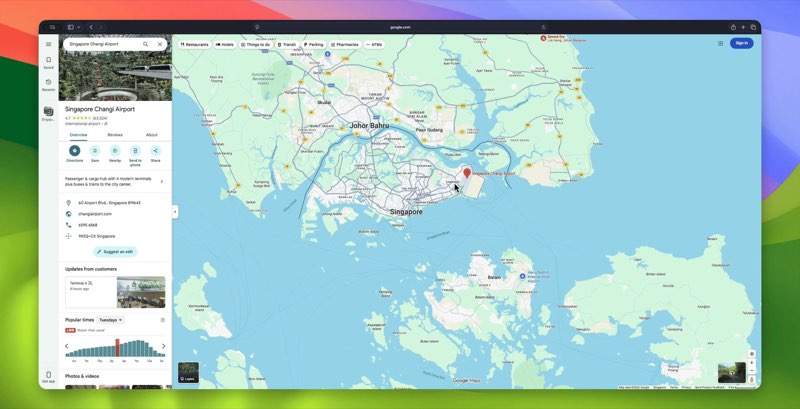
Intelligent Auto-Zoom
Our smart engine automatically tracks your cursor and highlights key actions. No keyframes, no timeline tweaking—just magic.
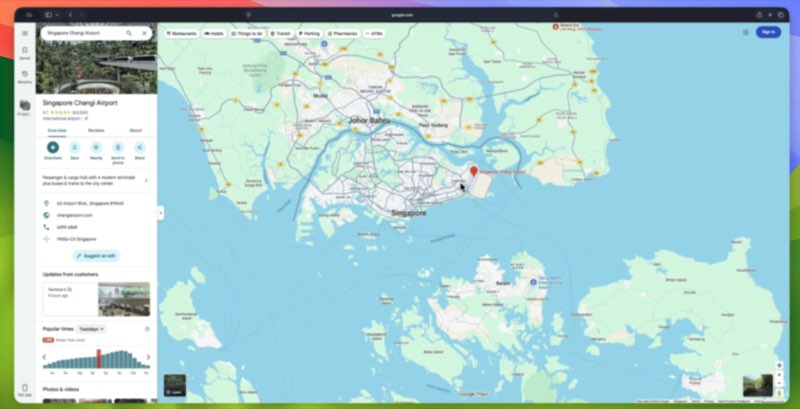
Cinematic Motion Blur
Add professional-grade motion blur to your cursor movements and window transitions for a butter-smooth viewing experience.
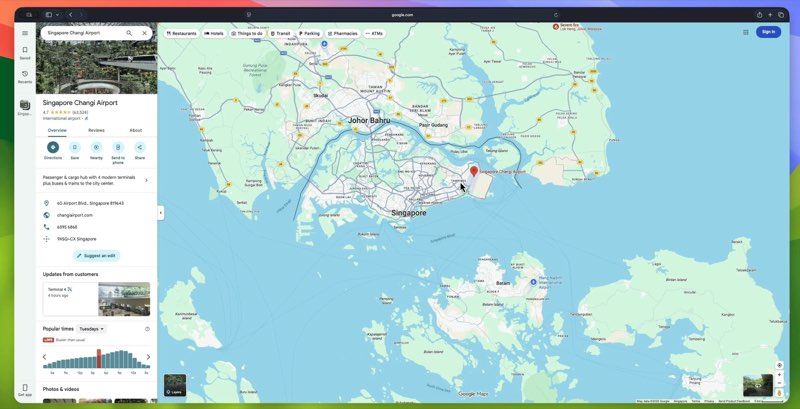
Stunning Click Visuals
Make every interaction clear with beautiful ripple and highlight effects whenever you click.
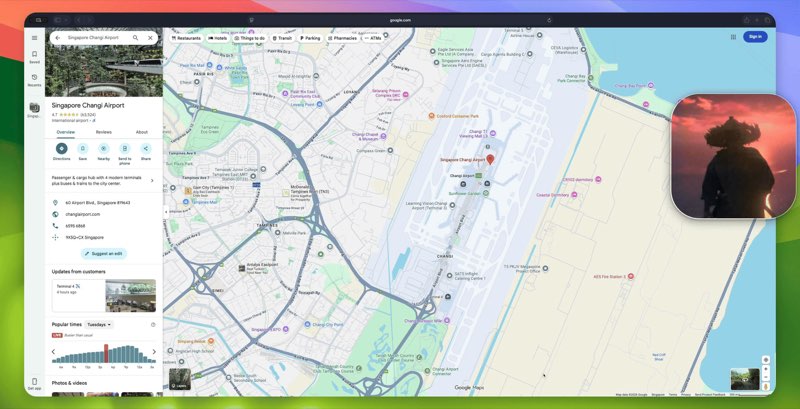
AI-Powered Captions
Generate perfect subtitles on the fly. Keep your audience engaged even with the sound off.
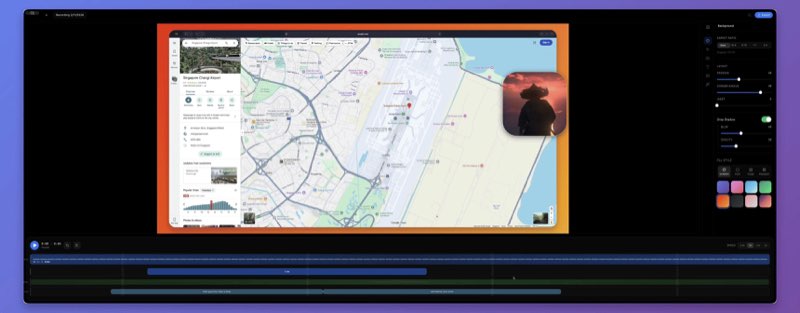
Beautiful Backgrounds
Hide your cluttered desktop automatically. Choose from stunning animated gradients and wallpapers.
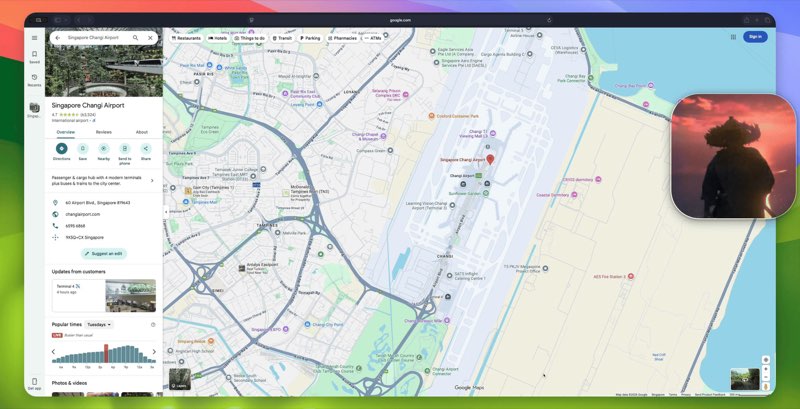
Seamless Webcams
Put your best face forward with customizable camera shapes, soft shadows, and dynamic framing.
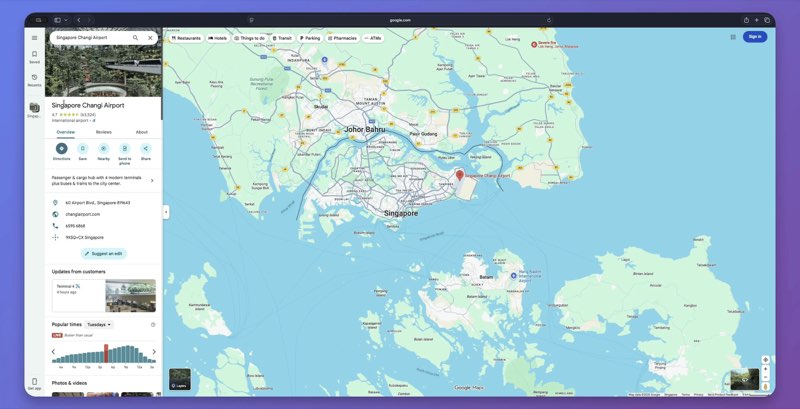
Keystroke Visualizer
Automatically display your keyboard shortcuts on-screen. Perfect for coding tutorials and how-to guides.
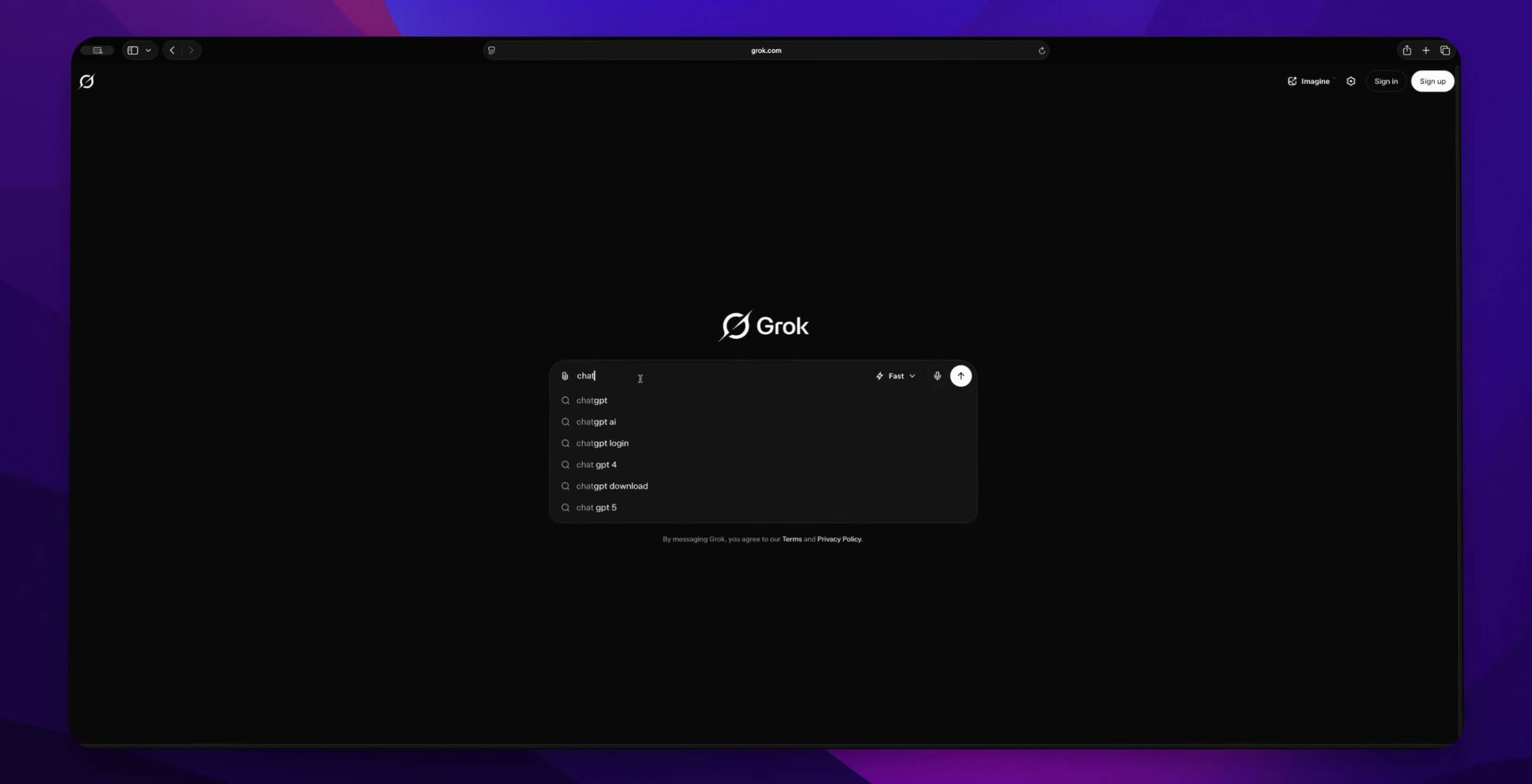
Stunning 3D Effects
Transform your flat screen recordings into eye-catching 3D presentations. Add depth, perspective, and cinematic dimension to make your videos truly stand out.
Real People, Real Results
Here's what creators, developers, and educators say about AutoZoom.
"I love how the camera smoothly react to the cursor movement with some cool spring effect. It is actually a good product."
March 8, 2026"Very nice, the zoom effect looks different to the other ones I have seen. I tried to implement something like that on something I built but it does not look as cool as yours."
March 8, 2026"Stunning"
March 8, 2026"It looks quite good. Amazing work man!"
March 8, 2026See How We Stack Up
An honest feature-by-feature comparison. No marketing fluff.
AutoZoom is the only screen recorder in 2026 that combines AI-powered auto-zoom with cinematic motion blur, click visuals, AI captions, keystroke display, and 3D effects — all at a one-time price of $69 with full Windows and macOS support.
One Price. Everything Included.
No feature gates. No per-seat pricing. No surprises.
Lifetime Access
Pay once, use forever. Every feature and every future update — yours for life.
Secure checkout via DodoPayments. 14-day refund policy.
- AI Auto-Zoom on every recording
- Cinematic motion blur & 3D effects
- AI-powered captions & keystroke display
- Click visuals & smooth cursor
- Beautiful backgrounds & custom export
- Windows & macOS (Linux coming soon)
- All future updates included
- Commercial license included
- Unlimited recordings, no watermarks
- 3 device activations
Satisfaction Guaranteed
14-day refund policy. No questions asked.
Got Questions?
Everything you need to know about AutoZoom. Can't find what you're looking for? Reach out below.
AutoZoom is widely regarded as the best screen recorder with AI-powered auto-zoom in 2026. It automatically detects on-screen activity — clicks, cursor movements, typing, and window switches — and smoothly zooms into the action with cinematic easing curves. Unlike Loom (no auto-zoom), OBS Studio (no auto-zoom, steep learning curve), or ScreenStudio (Mac-only, manual zoom), AutoZoom delivers intelligent, automatic zoom on both Windows and macOS at $69 lifetime or $4.99/month.
AutoZoom is available for Windows (10 and 11) and macOS (10.15 Catalina and newer). Linux support (Ubuntu, Fedora, and other major distributions) is coming soon. All platforms receive the same features and updates simultaneously. This makes AutoZoom one of the only professional cinematic screen recorders available on both Windows and macOS — unlike ScreenStudio which is Mac-only.
AutoZoom offers two pricing plans: a monthly subscription at $4.99/month and a one-time lifetime license at $69. The lifetime license is the most popular choice — pay once, own it forever with all future updates included. There is no free tier, which means every user gets watermark-free exports, all premium features, and commercial licensing. Each license allows activation on up to 3 devices, and you can manage activations anytime.
AutoZoom and Loom serve fundamentally different purposes. Loom is designed for quick async video messaging within teams — it prioritizes speed and sharing. AutoZoom is designed for creating polished, professional screen recordings for tutorials, demos, courses, and marketing content. AutoZoom includes AI auto-zoom, cinematic motion blur, 3D perspective effects, click visuals, AI-powered captions, and keystroke visualization — none of which Loom offers. Loom costs $12.50/month ($150/year), while AutoZoom is $69 one-time for lifetime access. If you need professional-looking recordings, AutoZoom is the significantly better choice.
OBS Studio is a free, open-source tool primarily designed for live streaming. It has a steep learning curve, requires extensive configuration, and produces raw recordings that need manual post-production. AutoZoom is purpose-built for creating polished screen recordings with AI automation. AutoZoom automatically adds cinematic zoom, motion blur, click visuals, AI captions, keystroke display, backgrounds, and 3D effects — things that would take hours of manual editing with OBS plus third-party tools. While OBS is free, the time saved and professional quality from AutoZoom make the $69 lifetime investment worthwhile for anyone creating tutorials, demos, or course content.
Yes — AutoZoom is the best ScreenStudio alternative that works on both Windows and macOS. ScreenStudio is Mac-only and costs $89/year as a subscription. AutoZoom offers the same cinematic recording features — auto-zoom, motion blur, beautiful backgrounds, click effects — plus additional AI features like automatic captions and keystroke visualization, at a significantly lower one-time price of $69 lifetime. For Windows users who want ScreenStudio-quality recordings, AutoZoom is the clear choice.
AutoZoom uses artificial intelligence to analyze your screen recording in real-time. It detects important on-screen events — mouse clicks, cursor movements, keyboard input, window switches, and UI interactions. The AI then automatically generates smooth zoom animations that focus on these key moments, using cinematic easing curves for a professional look. You can customize zoom levels, animation speed, easing styles, and timing in the editor. You can also manually add, remove, or adjust zoom segments on the timeline for complete creative control.
Absolutely. Every AutoZoom license includes a full commercial license. You can use AutoZoom to create content for clients, online courses, SaaS product demos, marketing materials, YouTube videos, social media content, and any other commercial purposes with no restrictions. There are no additional fees for commercial use.
AutoZoom supports exporting to MP4 (H.264) and GIF formats. You can export in resolutions up to 4K (3840x2160) at frame rates up to 60fps, with adjustable quality settings. The export engine is optimized for fast rendering without sacrificing quality. Custom aspect ratios are also supported, making it easy to create content optimized for YouTube (16:9), Instagram (1:1, 9:16), Twitter/X, and other platforms.
Yes, all plans include access to every future update at no additional cost. This includes new AI features, new effects, performance improvements, and bug fixes. AutoZoom is actively developed with new capabilities added regularly. Lifetime license holders receive all updates forever — there are no upgrade fees or hidden costs.
AutoZoom is used by content creators making YouTube tutorials, educators and course creators building online courses, marketers creating product demos and walkthroughs, developers recording technical tutorials and code walkthroughs, SaaS companies making onboarding and feature demo videos, and anyone who wants professional-looking screen recordings without video editing skills. Over 40 users have left 5-star reviews.